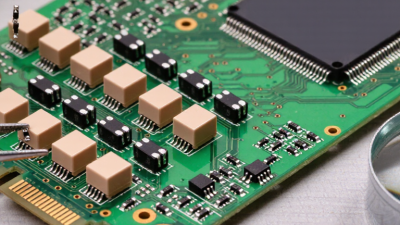
10 Tips for Choosing Circuit Board Elements

10 Tips for Choosing Circuit Board Elements

A circuit board can look orderly on screen and still fail on the bench. The difference often lies in small choices: a resistor’s tolerance, a capacitor’s voltage rating, or a connector that cannot withstand repeated handling. Choosing circuit board elements is not a parts-list exercise. Each selection affects reliability, heat, signal quality, assembly, and repair.

This introduction uses a fictional specialist to avoid presenting an invented quotation as fact. Fictional PCB design expert Dr. Lena Ortiz offers this guiding line: “Choose every element for its electrical role, physical environment, and likely failure mode.” Treat it as an editorial principle, not a verified industry quotation. The advice behind it is practical: check datasheets, operating limits, package dimensions, and component availability before committing a design. A few millimeters can matter. So can a temperature rise near a power component.

The ten tips ahead explore those checks in a useful order, from defining circuit requirements to reviewing sourcing and board-level constraints. They also consider trade-offs that are easy to underestimate, such as choosing a smaller package that complicates assembly or selecting a low-cost part with narrow operating margins. No checklist catches everything. Even experienced teams sometimes overlook an awkward footprint or a component that becomes difficult to source. A careful review helps expose those gaps before fabrication, when changes are usually simpler and less costly.
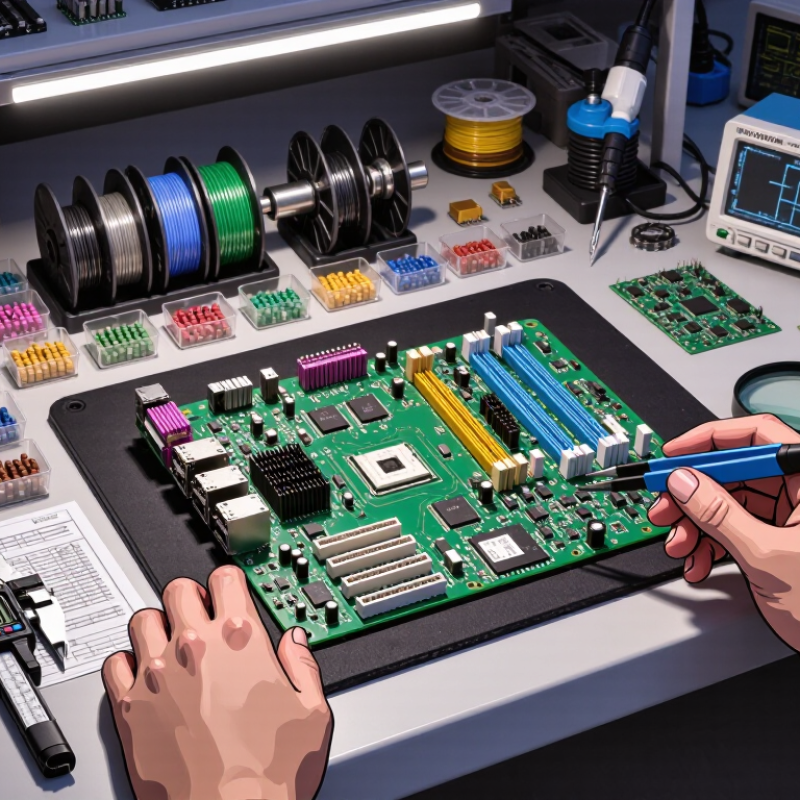
10 Tips for Choosing Circuit Board Elements

Define Circuit Board Requirements and Operating Conditions

Define the board’s operating envelope before comparing components. Record the minimum and maximum ambient temperatures, humidity, vibration, input voltage, and available airflow. Include short peaks, not just normal conditions. A board beside a warm power supply may face a very different thermal load from one in an open, ventilated enclosure. Measure at the component location when possible. Room temperature is not enough. IPC-2221 offers a useful foundation for PCB design, but the actual product environment must guide component ratings and layout choices.

Translate those conditions into checks: capacitor voltage and temperature ratings, connector current capacity, and heat dissipation around regulators. Leave margin for tolerances and aging, while avoiding excessive derating that adds cost without clear benefit. Uptime Institute’s 2024 Annual Outage Analysis reported that 54% of surveyed operators said their most recent significant outage cost more than $100,000. That figure covers data-center outages, not PCB failures, but it shows why operating assumptions deserve scrutiny. I still find early estimates imperfect; enclosure airflow and real load profiles are easy to underestimate. Test a populated board under representative heat and load, then revise the limits when measurements disagree with the spreadsheet.

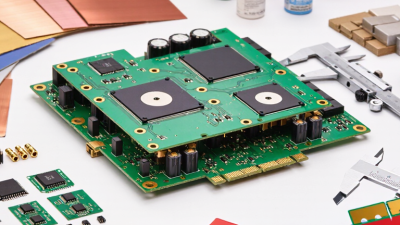
Define Circuit Board Requirements and Operating Conditions

Illustrative ambient-temperature ranges for planning purposes: actual requirements vary by product, component ratings, enclosure, and applicable standards. Define the expected operating and storage conditions before selecting circuit board elements.

Identify the Functions and Types of Required Elements

Before choosing circuit board elements, define what each block must do. A microcontroller processes signals; a regulator converts input voltage; capacitors smooth supply noise; resistors set current or bias. Sensors measure physical conditions, while connectors provide dependable paths for power and data. Add protection devices where reverse polarity, surges, or electrostatic discharge could damage sensitive inputs. Check the datasheet. Confirm operating voltage, current, temperature range, package size, and pinout against the actual board layout. Heat matters. A part’s headline rating may not reflect performance inside a crowded enclosure.

Then match element types to the real load. For a motor, check startup current before sizing the driver and supply. For a low-noise sensor, compare regulator ripple and resistor tolerances, not just unit price. WSTS’s Autumn 2024 Semiconductor Market Forecast projected global semiconductor sales of about $626 billion in 2024, up 19% year over year. That market-wide growth is useful context, but it does not identify the right component for a specific circuit. Use schematics, datasheets, and measured prototypes together. I would still revisit any choice made before thermal or load testing; estimates can miss small but costly details. Keep a short selection record with function, key ratings, and the reason for each part.

Compare Electrical Ratings, Tolerances, and Safety Margins

A component’s headline rating is a limit, not a design target. Compare its voltage, current, power, and temperature ratings with the worst credible operating conditions. NASA’s EEE-INST-002 derating guidance sets resistor power limits as low as 50% of rated power for applicable part categories. Check the specific table; one percentage does not fit every component or environment. Small parts matter.

Tolerance changes the real circuit. A 10 kΩ resistor with ±5% tolerance can measure from 9.5 kΩ to 10.5 kΩ before temperature effects. In a feedback divider, that spread can shift a threshold enough to affect startup. Check tolerance alongside temperature coefficient, aging, and measurement uncertainty. A neat nominal calculation can still miss the edge case.

Safety margins should reflect heat, load surges, and airflow—not habit alone. IPC-2152 provides methods for assessing printed-board conductor current and temperature rise, emphasizing that copper geometry and board conditions matter. Leave room between expected operation and maximum ratings, then verify it with thermal and electrical tests. A crowded board may run hotter than a bench prototype. I would revisit the margin after testing; assumptions often look tidy on paper.

Check Board Layout, Thermal Needs, and Component Compatibility

A circuit board can look tidy on screen and still become difficult to assemble or cool. Check the layout before locking in component choices. Leave room around connectors, test points, and parts that may need replacement. Compare each footprint with the component’s mechanical drawing; a few millimeters can matter near an enclosure wall. Keep sensitive signals away from noisy switching paths where practical. Short traces help, but they are not a substitute for a sound return path. Small detail, big difference.

Thermal needs deserve the same care. A regulator beside a warm power resistor may run hotter than its datasheet estimate suggests. Check expected current, airflow, copper area, and nearby heat sources, then allow a reasonable margin. Components also need to work together electrically: compare operating voltage, current limits, logic levels, tolerances, and startup behavior. A connector’s rating must suit the load, not just its footprint. Review the datasheets as a set, since individually suitable parts can still conflict. I have seen layout reviews focus on neatness and miss access for a probe. That is an easy oversight. Recheck clearances and likely heat paths before ordering boards; estimates can be wrong, so leave options where space allows.

10 Tips for Choosing Circuit Board Elements — Check Board Layout, Thermal Needs, and Component Compatibility

Tip What to Check Practical Selection Guidance Board-Level Verification
1. Confirm electrical ratings Operating voltage, current, power, and transient conditions Choose ratings that cover the circuit’s normal operating range and foreseeable surges. Check derating guidance in each component’s datasheet. Compare worst-case circuit conditions with the component’s recommended operating limits, not only its absolute maximum ratings.
2. Check package and footprint Package dimensions, pad layout, pin pitch, and assembly method Use a land pattern that matches the package and intended soldering process. Confirm polarity marks and pin-one orientation before finalizing the layout. Review the footprint against the manufacturer’s package drawing and run design-rule checks for spacing and solder-mask clearances.
3. Review thermal requirements Power dissipation, ambient temperature, and heat path Estimate component temperature under expected operating conditions. Thermal performance depends on the package, copper area, airflow, nearby heat sources, and PCB construction. Use datasheet thermal information as a guide, then validate high-dissipation designs with thermal calculations, simulation, or measurement.
4. Match interface and logic levels Input thresholds, output levels, signaling standard, and protocol Check that connected devices share compatible voltage levels and communication requirements. Do not assume two parts are compatible just because they use the same connector. Verify interface specifications, timing limits, pull-up or termination needs, and any required level-shifting circuitry.
5. Check passive-component tolerances Resistance, capacitance, inductance, tolerance, and voltage coefficient Consider how tolerance and operating conditions affect circuit behavior. Ceramic capacitor capacitance, for example, can vary with applied DC voltage and temperature. Recalculate timing, filtering, and feedback networks using realistic component values across the expected operating range.
6. Plan placement around signal paths Signal frequency, return paths, and sensitive analog or clock nodes Place decoupling capacitors close to the relevant power pins and keep critical signal paths short where practical. Separate noisy switching paths from sensitive circuits. Inspect the routing and reference-plane continuity; check for unnecessary loop area and avoid routing sensitive signals through noisy regions.
7. Allow for current and voltage spacing Trace capacity, connector ratings, creepage, and clearance Size conductors for expected current and temperature rise, and use spacing appropriate to the voltage, environment, and applicable safety requirements. Review trace widths and spacing with the board fabricator’s capabilities and the relevant product or safety standards.
8. Confirm power integrity needs Supply range, startup behavior, ripple, and transient load response Check regulator input and output requirements, capacitor types and values, and any sequencing or enable constraints specified in the datasheets. Verify the power-tree design and assess supply ripple and voltage dips under startup and changing load conditions.
9. Check environmental and reliability limits Operating temperature, humidity, vibration, and expected service life Select parts whose documented operating conditions fit the intended environment. Account for enclosure temperature and exposure to vibration or moisture where relevant. Compare the full component specifications with the product environment and include appropriate qualification or reliability testing.
10. Verify sourcing and assembly fit Package availability, lifecycle status, approved alternatives, and assembly constraints Prefer components with clear documentation and suitable availability. Evaluate alternatives for electrical, mechanical, thermal, and firmware compatibility before substitution. Check the bill of materials, confirm alternate parts against the design requirements, and review assembly access and rework needs.

Assess Reliability, Availability, Cost, and Testing Needs

10 Tips for Choosing Circuit Board Elements

Reliability starts with the conditions a board will actually face. Check operating temperature, vibration, humidity, and expected service life against each component’s specifications. Leave sensible electrical margin; running a part near its maximum rating can shorten its useful life. A datasheet helps, but it cannot predict every layout or cooling problem.

Availability deserves equal attention. A suitable component is less useful if its lead time exceeds your production schedule. Check current stock, typical replenishment times, and whether a qualified alternative exists. Ask suppliers about lifecycle notices, and record approved substitutions before a shortage forces a rushed decision. Plans change.

Cost is more than the unit price. Include assembly yield, energy use, shipping, and the expense of replacing a failed board. Then consider testing: can your team inspect solder joints, measure key signals, and isolate faults with available tools? A small test pad may save hours during debugging. Not every design needs elaborate testing, though skipping basic checks is an easy mistake. Pilot a few boards under realistic loads, document what fails, and revise the selection criteria when the evidence disagrees with your assumptions.